Caret-aware typingHuman-like paceGoogle DocsPrivacy-first
Why Type For Me
Paste feels robotic—typing from the caret feels natural
Caret-aware
Inserts from where you clicked—mid-field or mid-Docs—without wiping existing content.
Human-like rhythm
Jitter, punctuation pauses, paragraph breaths, and short bursts so long answers do not look like an instant dump.
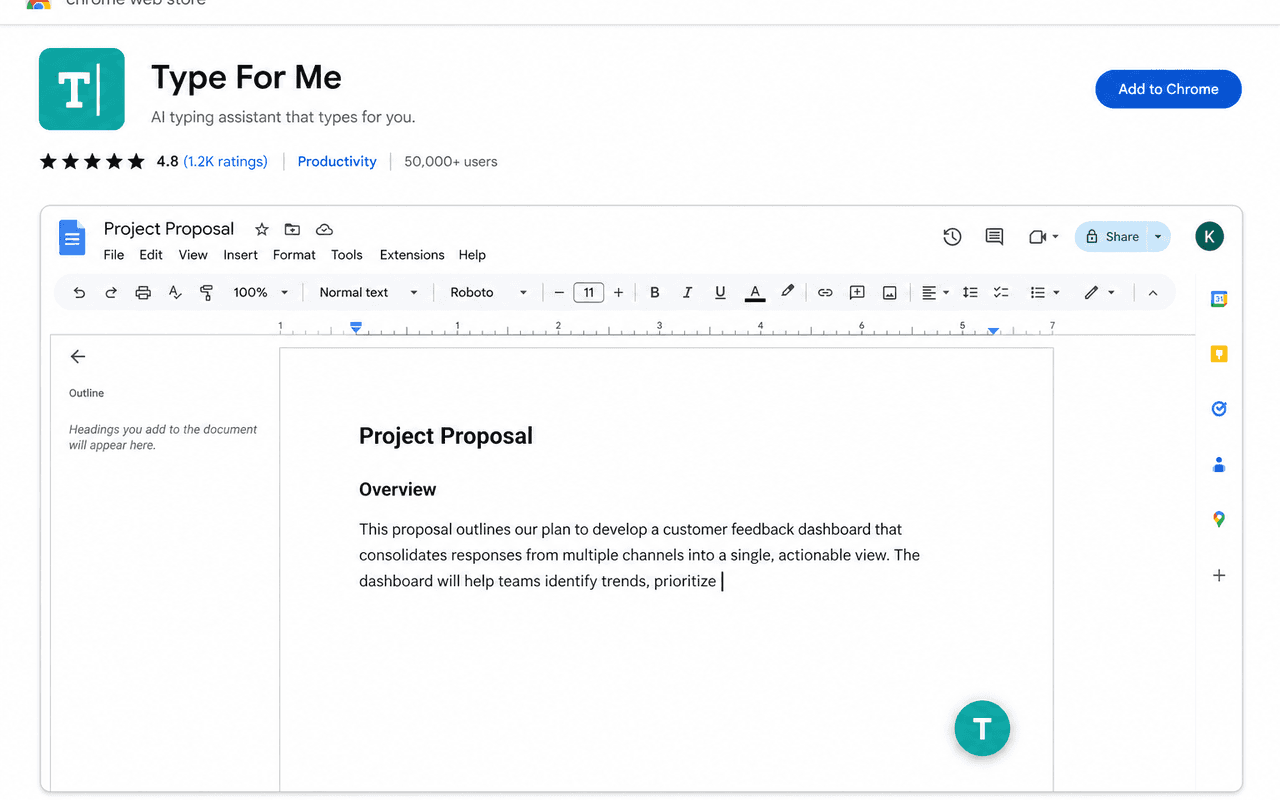
Google Docs ready
Speaks Docs’ text-event iframe so canvas editors accept characters the same way a person types.
Local-only privacy
Draft text and settings stay in chrome.storage on your device. No accounts. No remote logging.
How it works
Four steps to type anywhere
1. Focus the field
Click the input, textarea, or Docs body where typing should begin.
2. Open Type For Me
Use the popup or right-click → Type For Me — Quick Typing.
3. Paste and start
Text is cleaned automatically. Enable auto-start on paste if you like.
4. Pause anytime
Stop, then Continue or Restart. Escape also stops while typing.
What you get
Built for long form and busy forms
Paste cleaner
Strips zero-width characters, soft hyphens, and weird line breaks before typing.
Quick Typing panel
Right-click → floating panel with text, speed, Start / Stop / Continue / Restart.
Pause and continue
Stop mid-stream and pick up where you left off—or restart from the beginning.
Keyboard shortcut
Ctrl+Shift+Y (Cmd+Shift+Y on Mac) toggles start / stop / continue.
Privacy
What stays on your machine
No remote telemetry
Core typing does not call Eligapris APIs or analytics endpoints.
Minimal permissions
storage, activeTab, scripting, contextMenus, and docs.google.com for Docs support.
Public privacy policy
Full policy at eligapris.com/type-for-me/privacy for users and the Chrome Web Store.


Questions about Type For Me?
Ask about access, fit, or how it works with your setup.