Hide anythingFocus modeRedact + screenshotLocal-only
Why QuietView
The web is loud. Turn it down without learning CSS.
Hide anything
Feeds, sidebars, cookie bars, promo banners, widgets. Click it and it stays gone on that site.
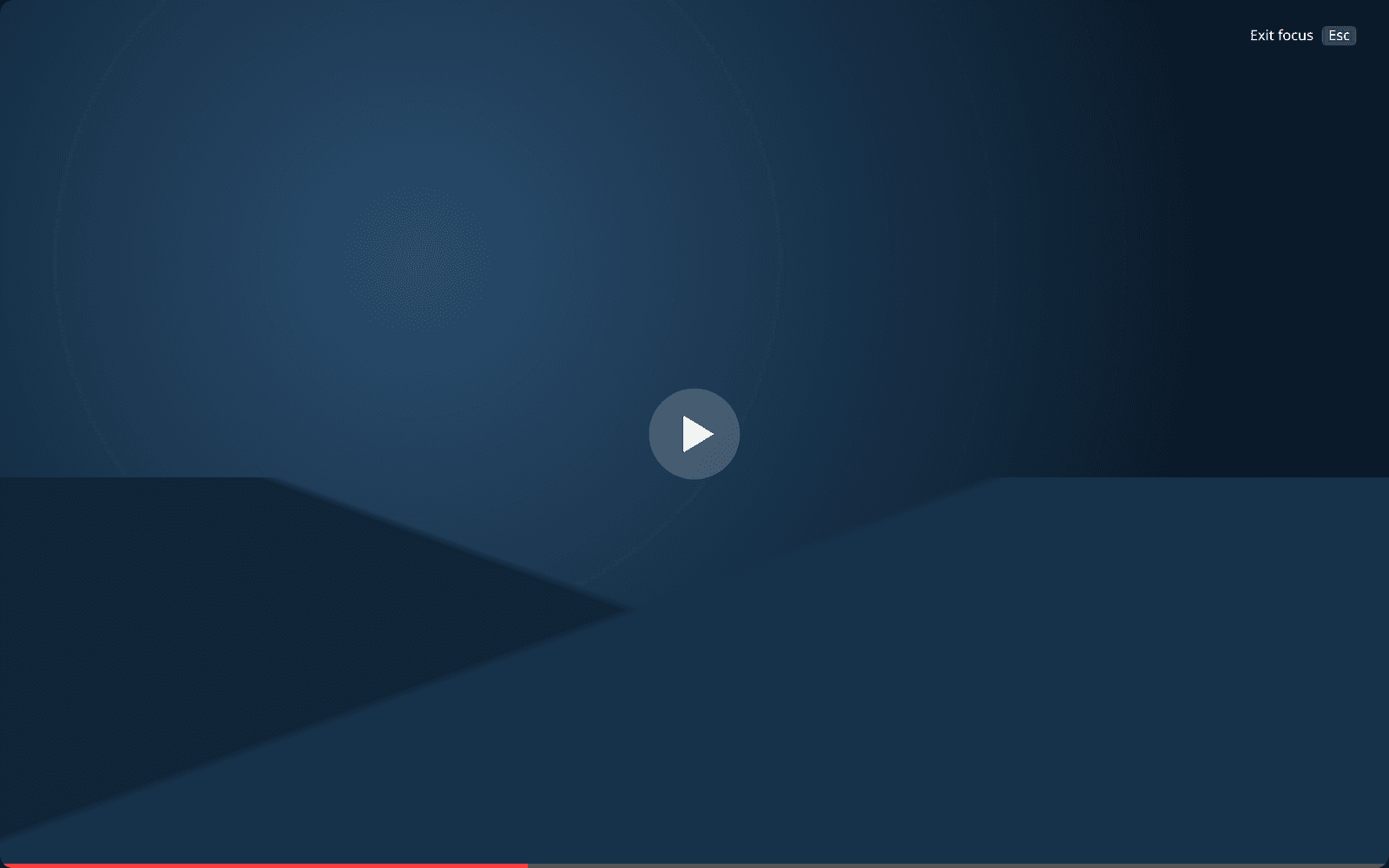
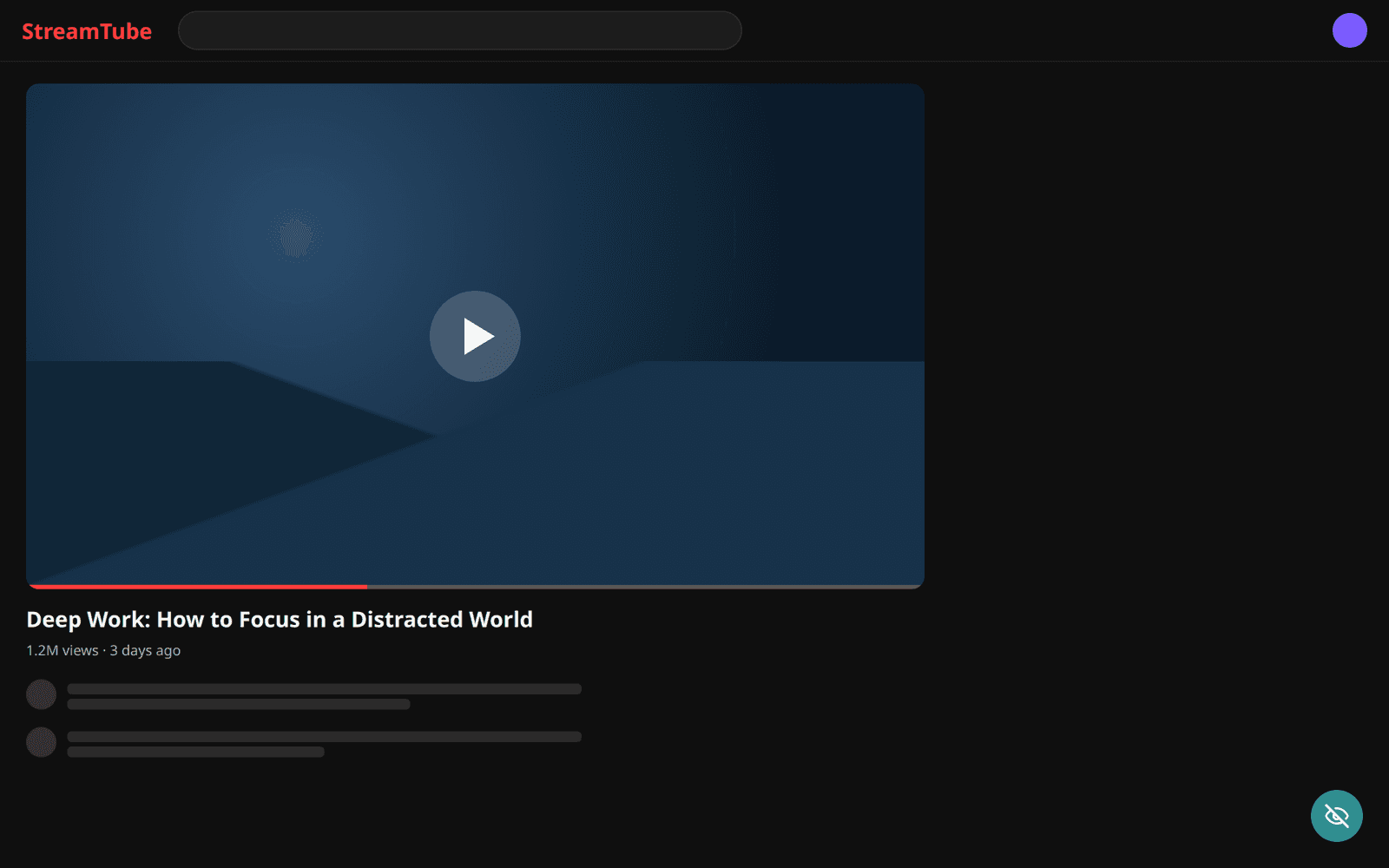
Focus anything
Make a video, chat, article, or chart fill the screen. Esc returns the page exactly as it was.
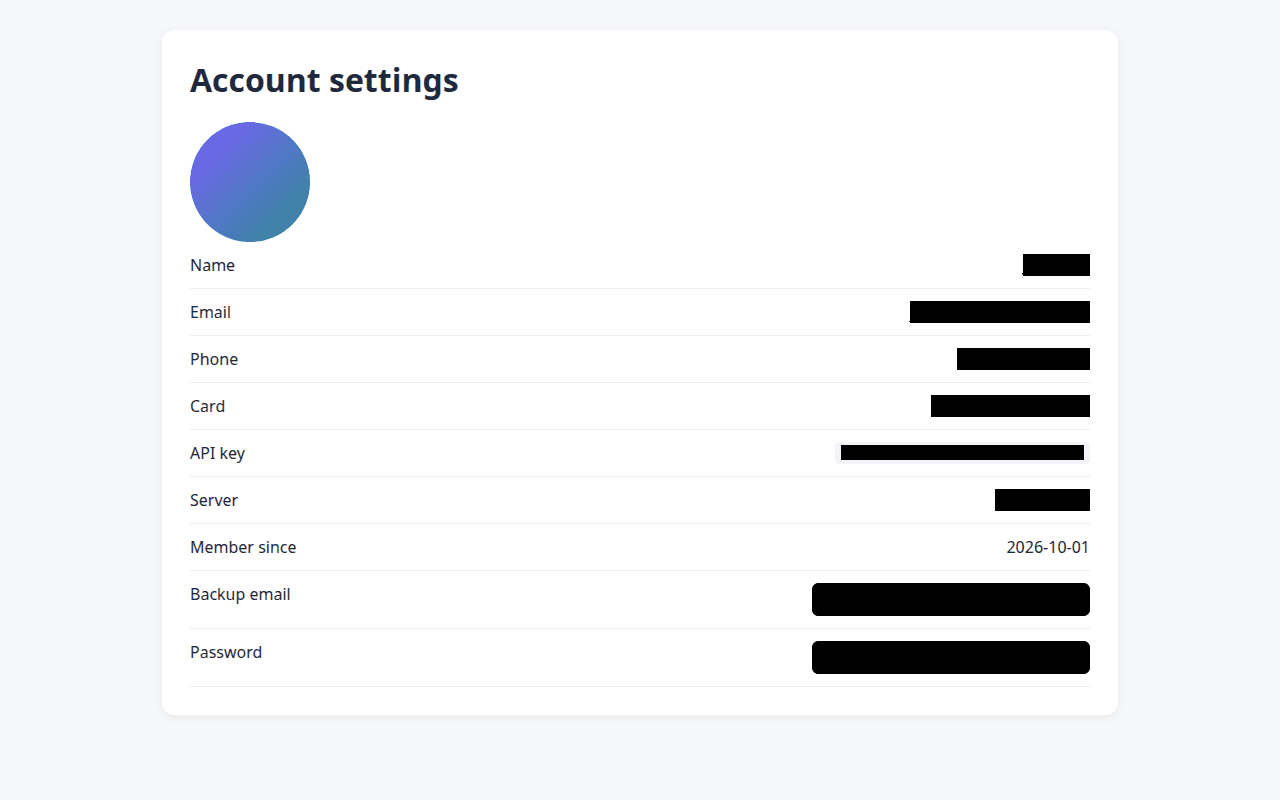
Redact before you share
Blur or black out emails, API keys, and card numbers, then save a clean screenshot in one click.
Nothing leaves your browser
Rules are stored locally. No account, no analytics, no remote servers.
How it works
Point, click, done
1. Choose Hide, Focus, or Redact
From the toolbar button, right-click, or Alt+Shift+H / F / R.
2. Point at it
QuietView outlines what you're pointing at and names it. ↑ selects the container.
3. Click
Hidden elements stay hidden on future visits. Focus fills the screen until you press Esc.
Privacy
What stays on your machine
Everything
Rules and preferences live in your browser's local storage.
No telemetry
QuietView never calls Eligapris servers or analytics endpoints.
Public privacy policy
Read it at eligapris.com/quietview/privacy.


Questions about QuietView?
Ask about access, fit, or how it works with your setup.