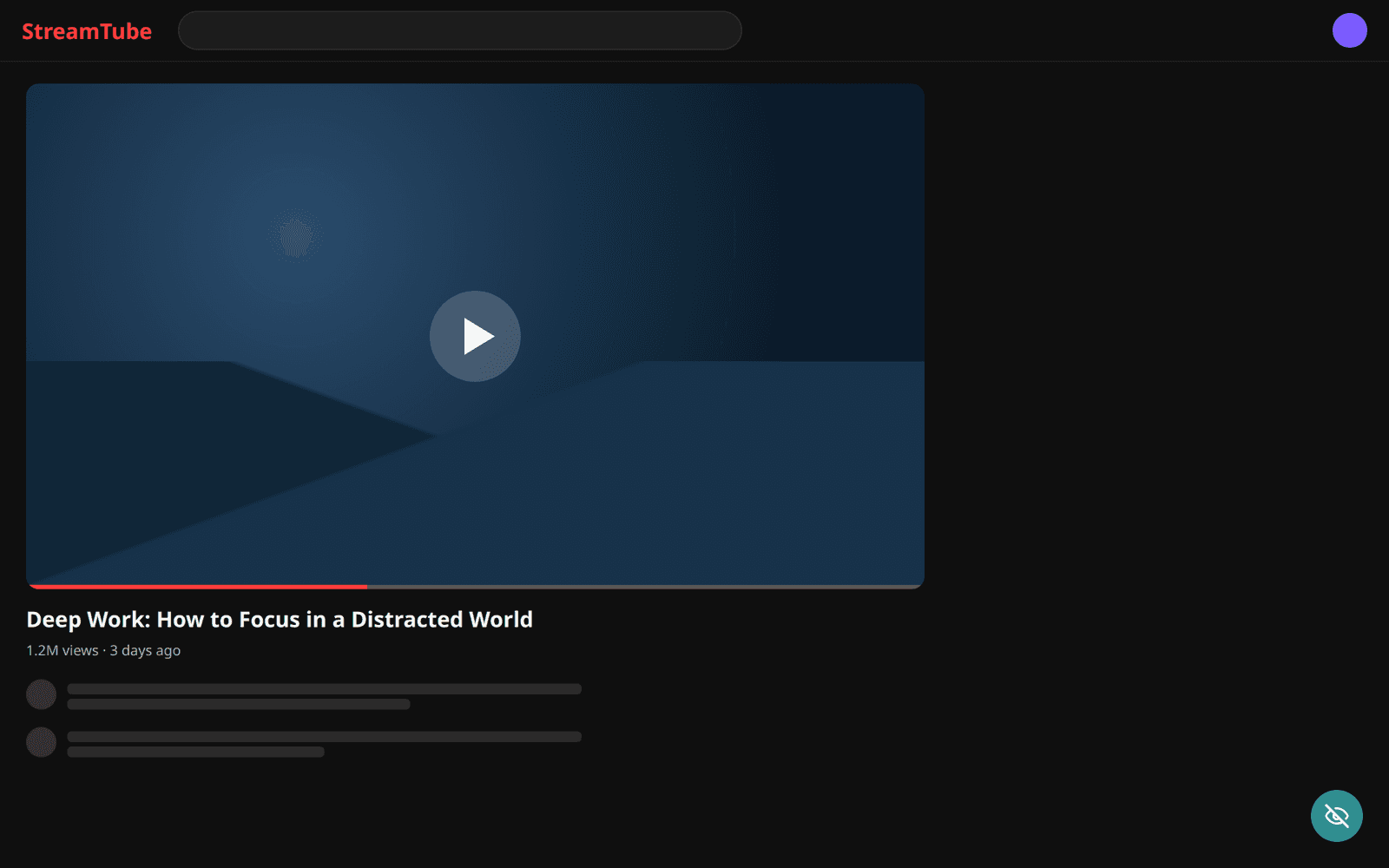
Hide an element
Point at a feed, sidebar, cookie bar, or widget and click. It disappears now and stays hidden every time you come back to that site.
Free browser extension · Chrome & Firefox
Hide anything on a website for good, make one element fill your screen, or black out sensitive info before a screenshot. No CSS, no account, nothing leaves your browser.
Three buttons
Point at something on the page, then click. QuietView works out how to target it so you don't have to.
Point at a feed, sidebar, cookie bar, or widget and click. It disappears now and stays hidden every time you come back to that site.
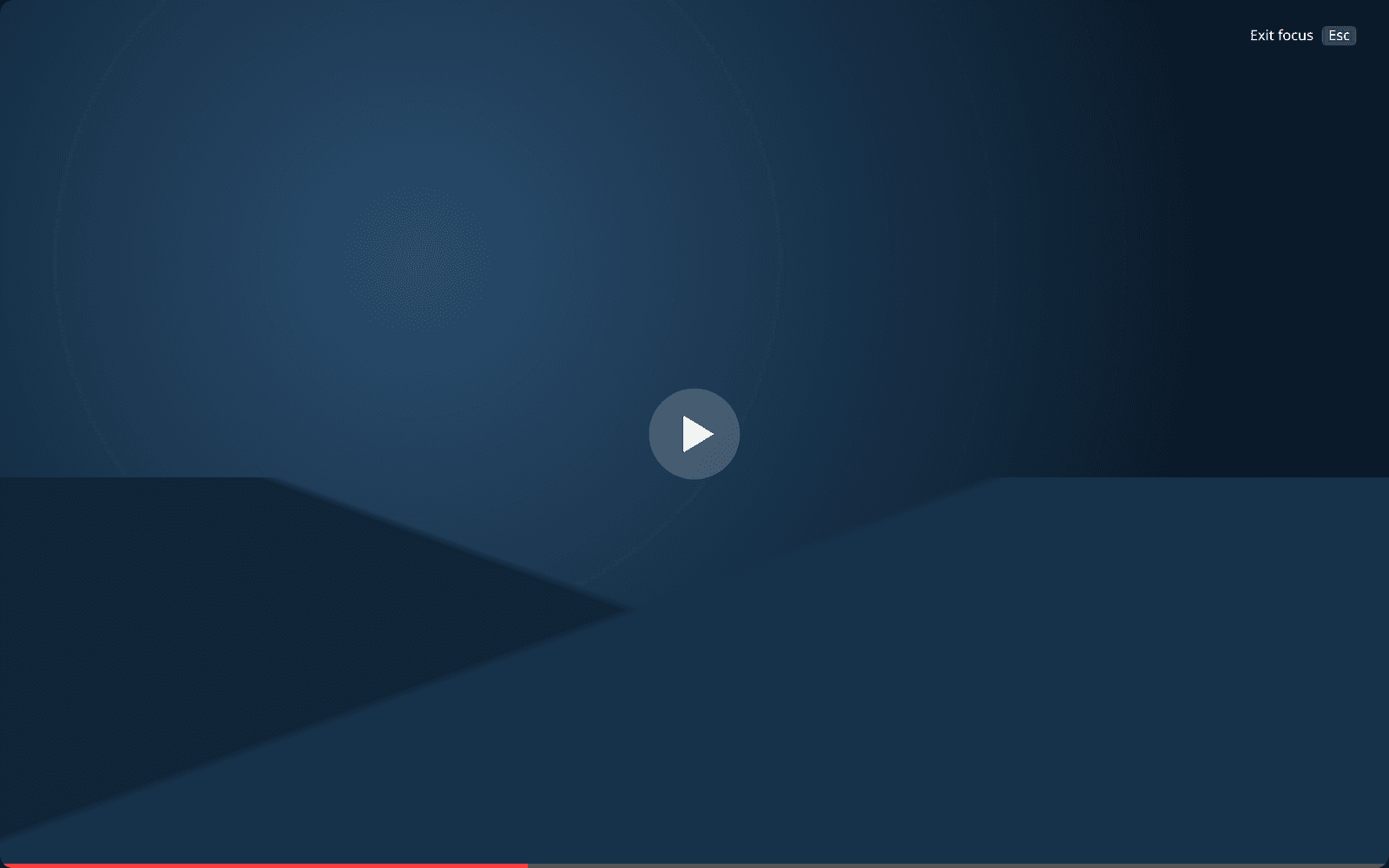
Pick a video, chat, article, or chart. It fills your screen and everything else is gone. Press Esc and the page comes back exactly as it was.
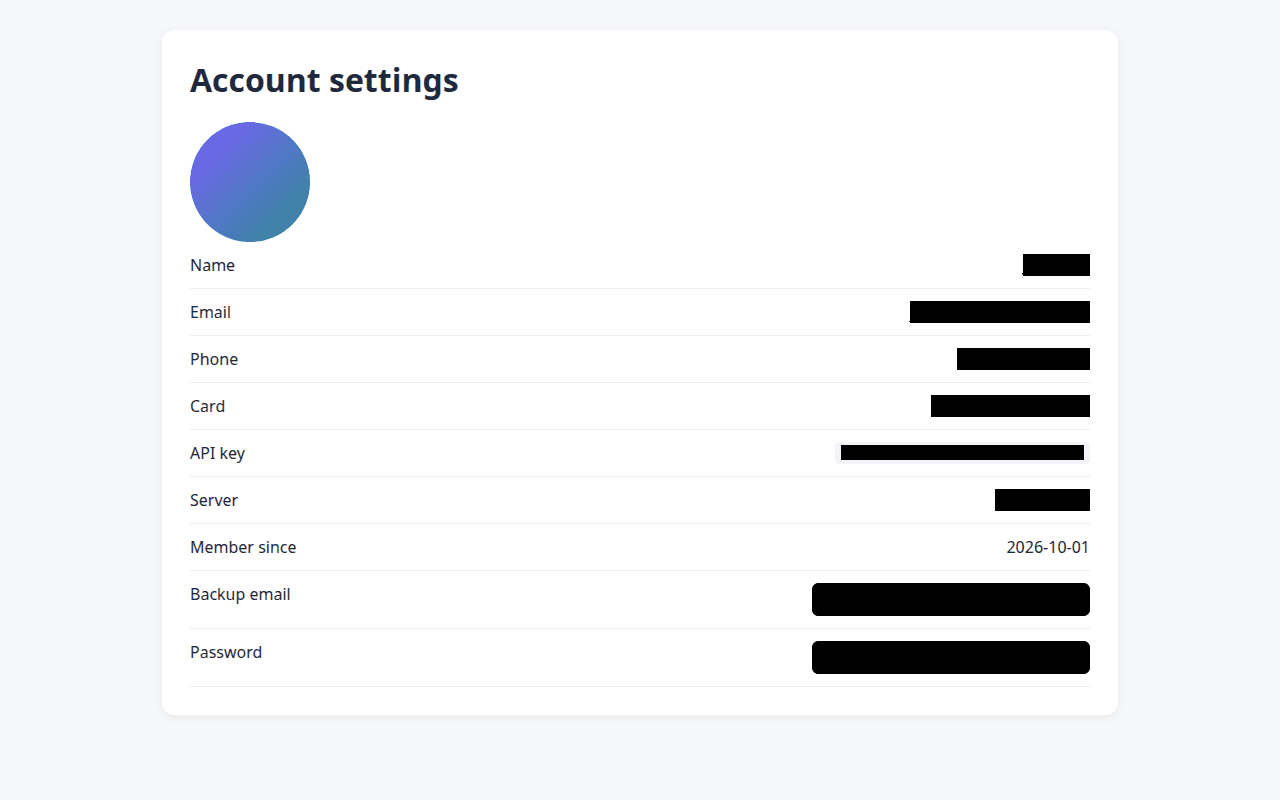
Blur or black out anything before you record or take a screenshot. Auto-detect covers emails, phone numbers, card numbers, API keys, and IP addresses. One click saves the screenshot and copies it.
Made to be easy
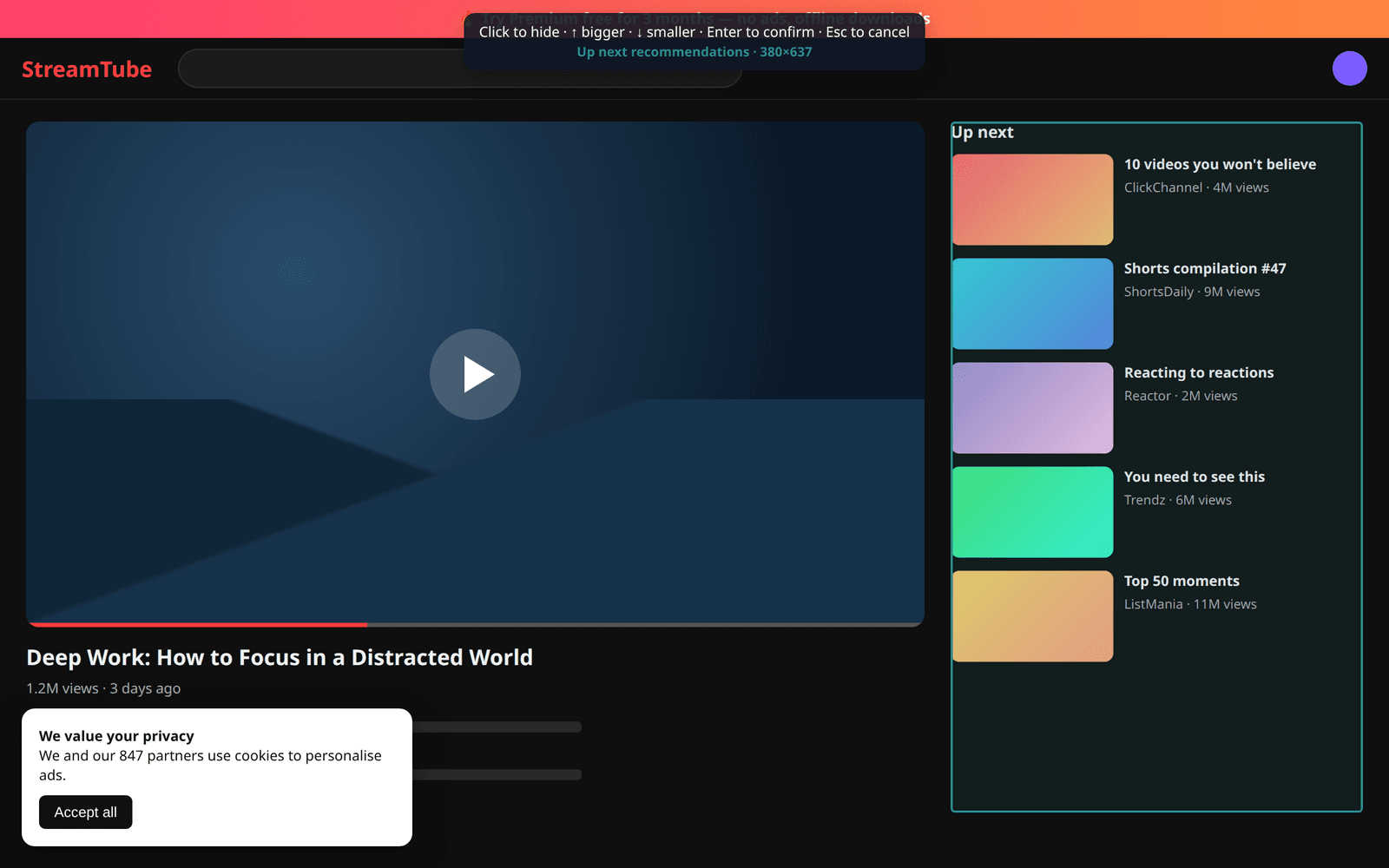
QuietView outlines what you're pointing at and tells you what it is. Click to confirm.
Pointing at a small piece? Press ↑ to select its container. ↓ goes back.
Every hide and every removal comes with an Undo. Nothing is permanent by accident.
Rules re-apply as YouTube, X, Gmail, and other sites load new content.
Alt+Shift+H to hide, Alt+Shift+F to focus, Esc to cancel or exit.
No account, no analytics, no servers. Rules live in local storage.
Works on any website
Hide Shorts, recommendations, and comments. Focus the player.
Remove trending sidebars, “who to follow”, and the feed itself.
Hide the chat list while you screen-share. Focus one conversation.
Kill cookie bars, sticky headers, and promo banners.
Focus one chart or document. Hide widgets you never use.
Black out API keys, emails, and account details before you screenshot or record.

For Chrome, Edge, Brave, and other Chromium browsers, plus Firefox. Takes 10 seconds.
By Eligapris · Privacy policy