Eligapris

Jump to

  • Free tools
  • Skill packs for AI agents
  • Founder Skill Pack
  • Products
  • Blog
  • Contact
↑ ↓ to move to openSearches everything public on eligapris.com
Products
Services
Free toolsAboutBlog
Contact

Products

KidSync.careaiStationErgowaLeaptrOmnishOmnishPilotLemon AI AgentQuietViewSamepadLampstandomnishAnimateType For MeAll products

Services

Web DevelopmentHosting & DevOpsConsultationLocal AI InferenceEducationAll servicesFree toolsAboutBlog
Contact
Eligapris

Products we ship. Engineering work we take on. Same team.

Products

  • KidSync.care
  • aiStation
  • Ergowa
  • Leaptr
  • Omnish
  • OmnishPilot
  • Lemon AI Agent
  • QuietView
  • Samepad
  • Lampstand
  • omnishAnimate
  • Type For Me
  • All products

Services

  • Web Development
  • Hosting & DevOps
  • Consultation
  • Local AI Inference
  • Education
  • All services

Company

  • About
  • Contact
  • Blog

Free tools

  • Photo Resizer
  • Metadata Remover
  • Metadata Viewer
  • Screenshot Redactor
  • Vocal Remover
  • Beat Maker
  • Sheet Music Player
  • MIDI Editor
  • AI Note Taker
  • Audio to Text
  • Markdown Editor
  • Text Transfer
  • Gemini Watermark Remover
  • Linux Health Check
  • Dev Skill Pack
  • Founder Skill Pack

© 2026 Eligapris. All rights reserved.

Products we ship. Engineering we take on.

Staff login

Whiteboard animation · Windows, Mac, Linux

Type the idea. A hand draws it on the board.

omnishAnimate turns text, drawings and pictures into a whiteboard video with a drawing hand, camera moves, a voice-over and music. Export an MP4 for a class, a course or YouTube, or present it live one click at a time.
Download omnishAnimateAll downloads
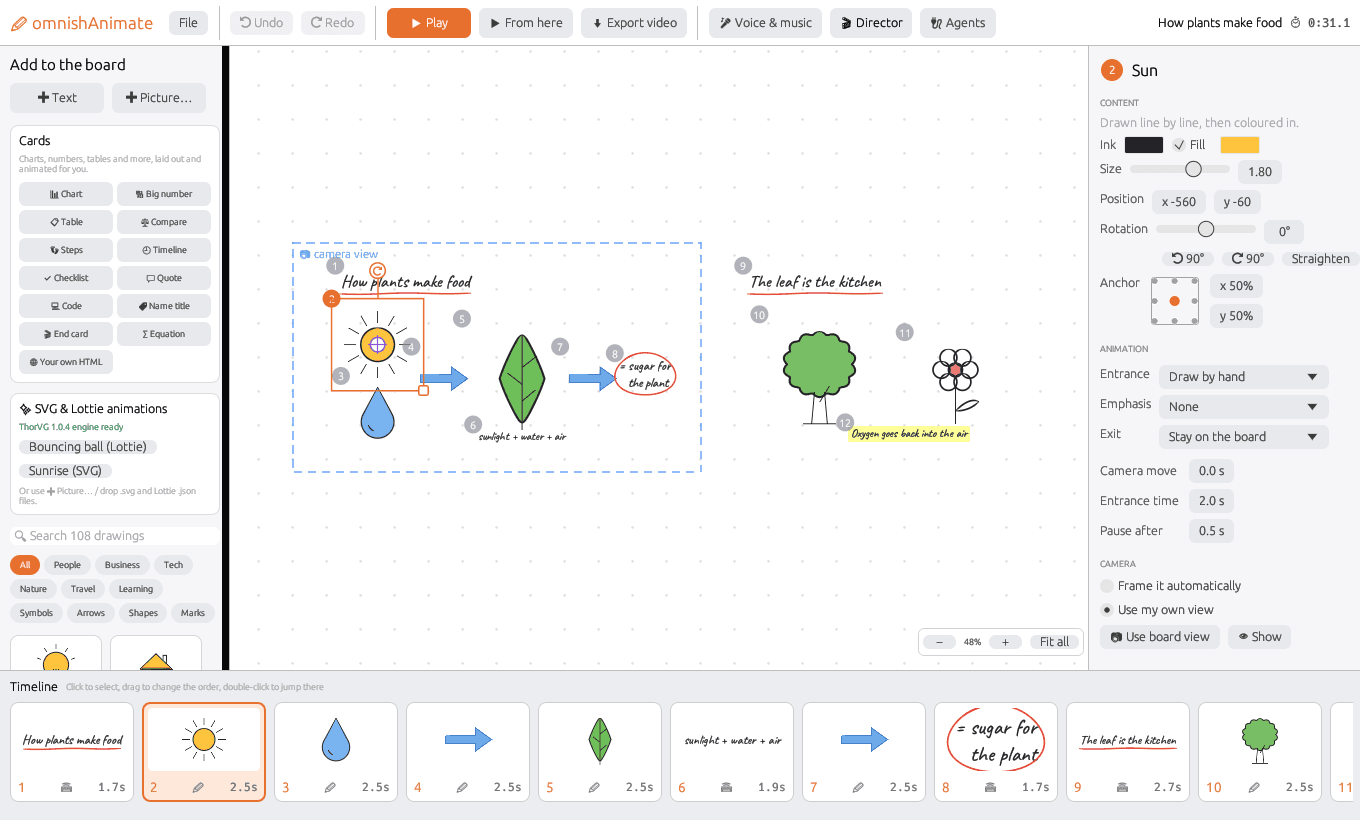
omnishAnimate's editor with a lesson called How plants make food on the board, the Cards panel on the left, drawing settings on the right and the timeline along the bottom
Left: things to add. Middle: the board. Right: how the selected item draws in. Bottom: the order it all appears.

What your viewers see

It looks drawn, because it is

Frames from a short lesson made in omnishAnimate, straight from the app.
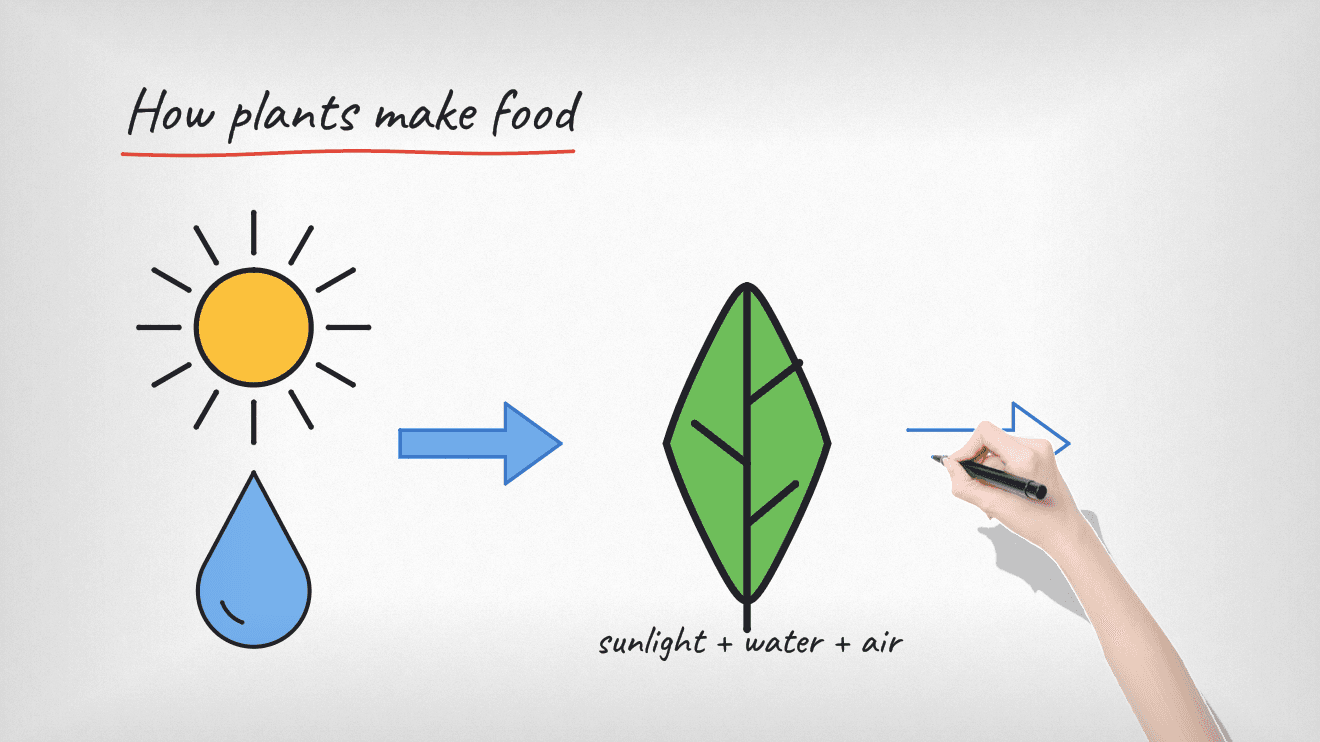
A real hand with a black marker drawing an arrow next to a green leaf, under the title How plants make food

A real hand at work

A photo of a real hand draws each line, then colours it in. Switch to a classic, shaded or gallery hand, or use your own picture.
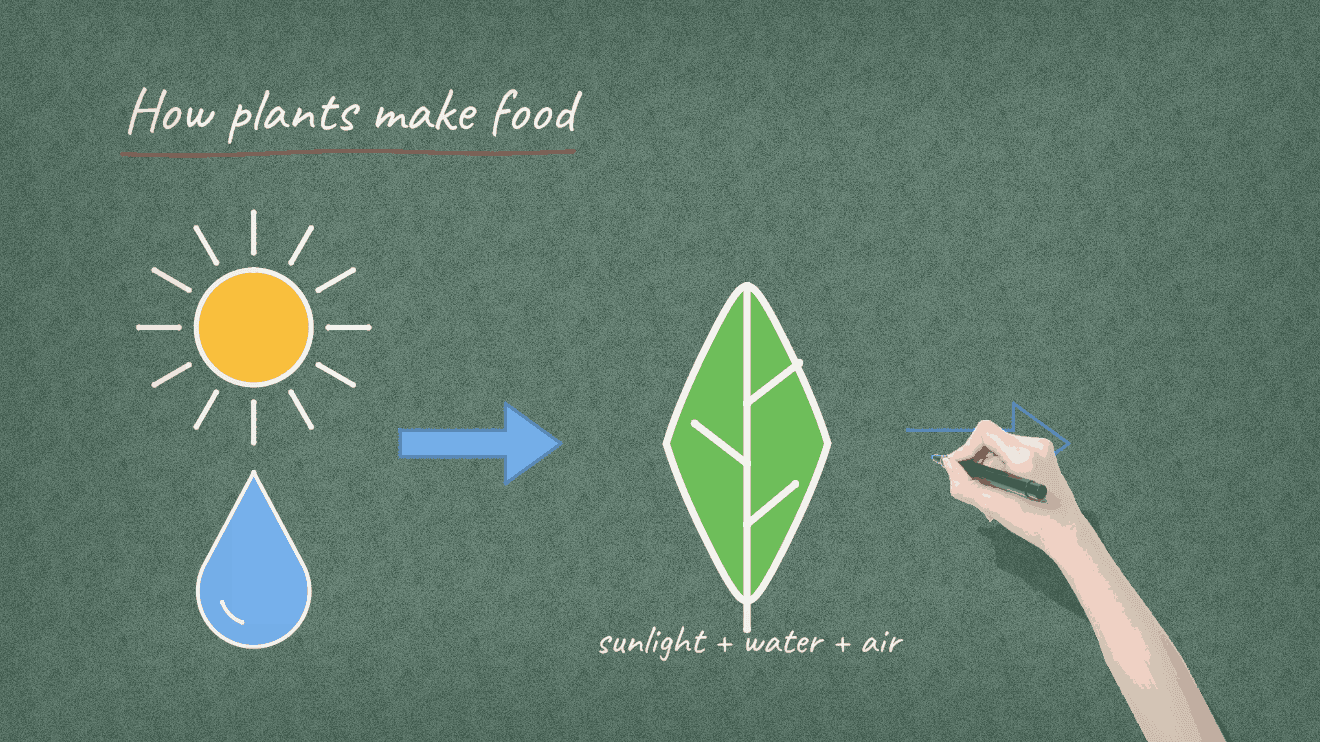
The same lesson in white chalk lines on a green chalkboard, with a hand drawing the next arrow

Any board you like

Whiteboard, paper, chalkboard, blackboard or blueprint. Switch boards and the lines change colour to stay readable.
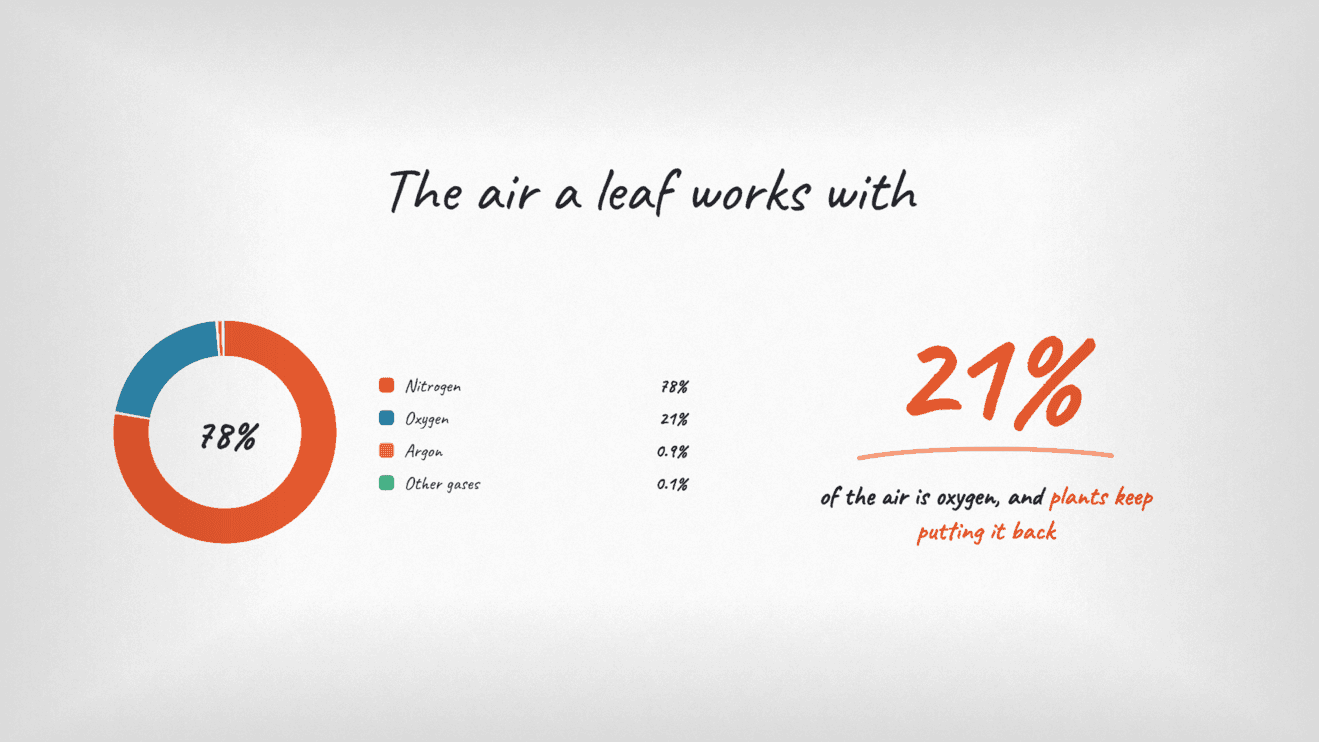
A whiteboard titled The air a leaf works with: a donut chart of nitrogen 78%, oxygen 21% and argon 0.9%, and a big 21% for the oxygen plants put back

Numbers that draw themselves

Paste a few numbers and a chart builds itself on the board, in the lesson's own font and colours. Big numbers count up, tables slide in row by row.
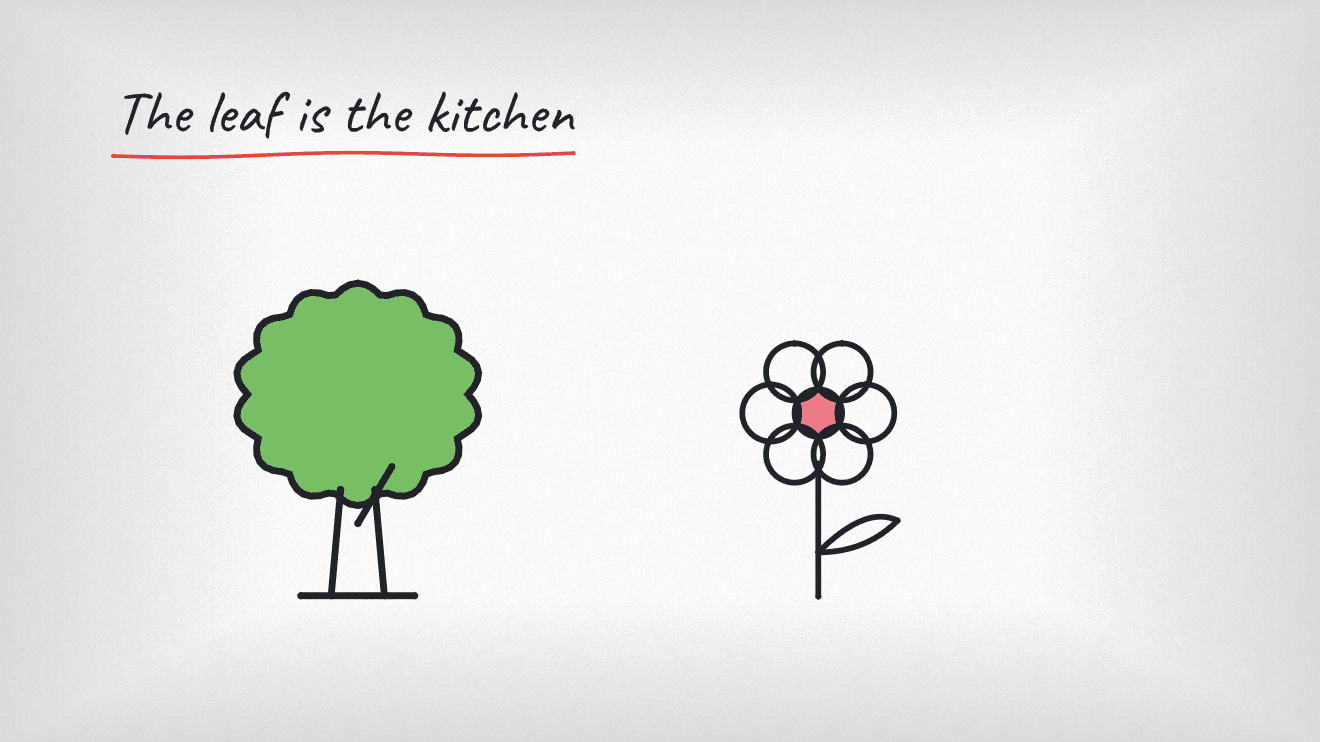
A new part of the board titled The leaf is the kitchen, with a green tree and a pink flower

The camera follows the story

Everything in one app

Easy enough for a first video, deep enough for a whole course

  • Start from a template

    Twelve video structures, from quick tips to myth and fact. Fill in a short form and every shot is built, with camera moves, timing, captions and a voice-over script. Nineteen snippets add one moment.

  • Tall and square for phones

    One project exports wide (16:9), tall (9:16) or square (1:1). Slides are reframed, not cropped: columns stack, long lines re-wrap, and words stay clear of the buttons TikTok and Reels draw on top.

  • Draws in front of your viewers

    108 drawings in 10 categories, drawn the way a person draws: the pen lifts between strokes. Text is written letter by letter in any font, even a built-in handwriting one. Add your own pictures, SVG and Lottie.

Download omnishAnimate

For Windows 10 and 11 (64-bit), macOS 11 or newer on Apple chips and Intel, and 64-bit Linux.

  • Windows

    3.5 MB

    Run the installer and omnishAnimate opens when it's done, with a sample animation on the board. If a blue "Windows protected your PC" box appears, choose More info, then Run anyway.

    Download .msi
  • macOS

    8.3 MB

    Drag omnishAnimate to Applications and open it. The first time, the Mac says it can't check the app: click Done, then in System Settings → Privacy & Security click Open Anyway. One download works on Apple chips and Intel Macs.

    Download .dmg

Making videos for a class or a course?

Tell us what you're explaining at support@eligapris.com and we'll help you get your first video out.

More from Eligapris

When the lesson moves on, the camera swoops to the next part of the board and pushes in slowly while it draws.

Charts and cards in a few words

Thirteen cards: chart, big number, table, compare, steps, timeline, checklist, quote, code, name title, end card, equation, or your own HTML. Fill a short form; the card matches the board and animates itself.

  • Voice-over without a microphone

    Type the script and a voice reads it: Kokoro, Kitten, OmniVoice, Chatterbox or your computer's own voice. Kokoro and Kitten are one small download and read numbers, dates and names properly.

  • Music that steps aside

    Make background music in the app. It gets quieter while the voice speaks, sound effects land on cue, and the video is levelled to normal online-video loudness.

  • Captions as it speaks

    Words appear as the voice says them: pop-up words in capitals for phones, a bold line with the key words in colour, or karaoke with the current word picked out.

  • Polish in one click

    The Director reviews your video, checks the opening the way phone viewers judge it, and adds cinematic camera moves, livelier motion and beat-matched timing when you ask.

  • Export what you need

    MP4 at 720p, 1080p (the default) or 4K, a GIF, or a folder of PNG frames. Pick several shapes at once and get one video each. Videos save in the background while you keep working.

  • Let an AI agent build it

    Claude and other agents can make and export whole videos through the built-in MCP server, and every tool works from the terminal. Keep it running for agents and long videos finish with the app closed.

  • Linux (.deb)

    3.9 MB

    For Ubuntu, Debian, Mint and Pop!_OS. Open it with Software Install, or run: sudo apt install ./omnishanimate_*_amd64.deb

    Download .deb
  • Linux (.rpm)

    4.8 MB

    For Fedora and openSUSE. Open it with Software, or run: sudo dnf install ./omnishanimate-*.rpm

    Download .rpm
  • Linux (AppImage)

    5.3 MB

    For any 64-bit Linux. Make it executable (chmod +x, or Properties → Allow executing), then double-click it.

    Download .AppImage
  • What's new in 0.0.45

    Make tall videos for TikTok, Reels and Shorts, or square ones for feeds, from the same project. Start from one of twelve templates or add a ready-made snippet. Livelier motion: a punch-in on emphasis, items that glide or get carried in by the hand, pop-up captions and music that lands on the beat.

    AI voices and music download the first time

    Your computer's own voice works straight away. Each AI voice or music model downloads the first time you choose it, and the app tells you first whether your computer can run it and how much space it needs. The bigger music models want a strong graphics card.

    Cards use the browser you already have

    Charts and other cards are drawn by Chrome, Edge or Chromium if your computer has one. If it doesn't, omnishAnimate offers to download its own copy once (about 110 MB). Cards never go online.

    Windows says "Smart App Control blocked an app"?

    Some new Windows 11 PCs have Smart App Control turned on. It only runs apps signed with a certificate Microsoft recognises, and omnishAnimate isn't signed yet, so on those PCs it won't open and there's no "Run anyway". Until a signed version is out, use another computer, or email support@eligapris.com and we'll tell you the day it's ready.